How to Generate a QR Code for Your Business (Free, 2 Minutes)
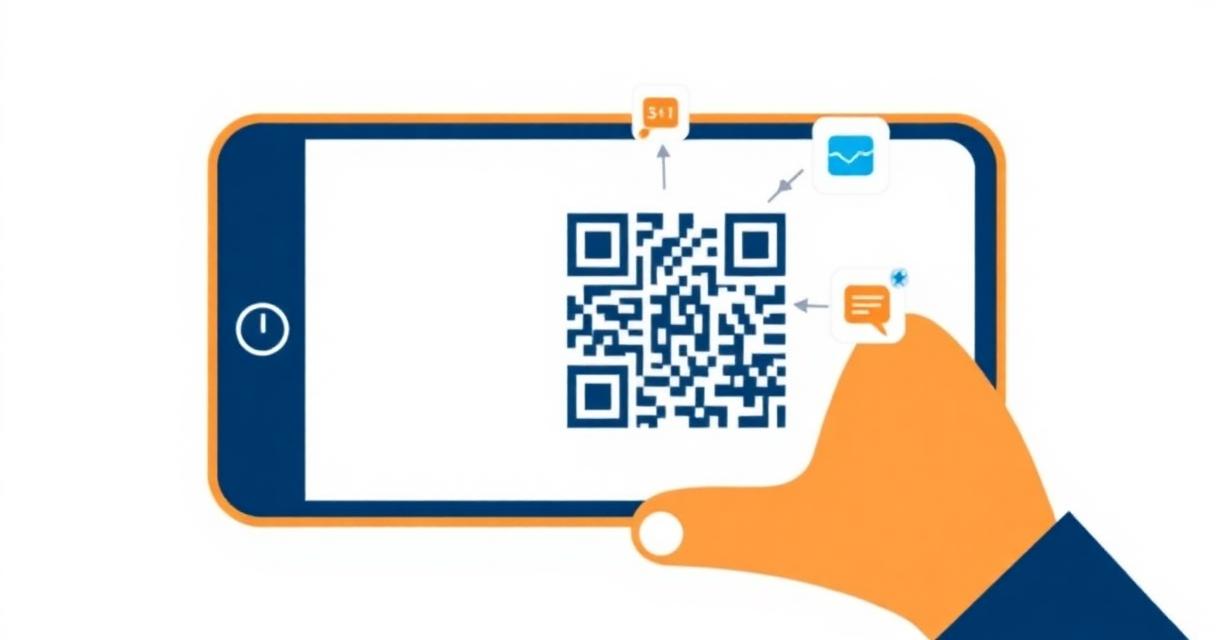
QR codes are everywhere in India — from UPI payment at your local chai stall to restaurant menus and product packaging. If your business doesn't have a QR code yet, you're missing the simplest way to connect customers to your digital presence.
The best part? Creating a professional QR code takes under 2 minutes and costs nothing.
What Can You Encode in a QR Code?
QR codes can store many types of information:
- Website URL: Link directly to your website, portfolio, online store, or specific landing page.
- Contact details (vCard): Share your complete contact information — name, phone, email, company — so customers can save it to their phone with one scan.
- WhatsApp: Open a WhatsApp chat directly with your business number.
- WiFi credentials: Let customers connect to your shop's WiFi without typing the password.
- UPI payment: While most payment apps generate their own QR codes, you can also create a UPI QR code for specific payment amounts.
- Social media profiles: Link to your Instagram, LinkedIn, or YouTube channel.
How to Create a QR Code for Free
Step 1: Go to fliktools.net/tools/qr-generator
Step 2: Choose your QR code type from the tabs:
- URL / Website
- Plain Text
- Phone Number
- SMS
- WiFi
- Contact (vCard)
- Location
Step 3: Fill in the relevant information for your chosen type. For a URL, simply paste your website address. For WiFi, enter your network name, password, and security type.
Step 4: Customize your QR code: Size (Small 200px to Large 400px), Colors (foreground and background to match your brand), Error correction (higher levels allow the code to work even if partially damaged — important for print), Logo (upload your brand logo to display in the center).
Step 5: Click Generate and preview your QR code.
Step 6: Test it with your phone camera before downloading. Make sure it scans correctly and opens the right destination.
Step 7: Download as PNG and use it anywhere — printed materials, digital assets, email signatures, business cards.
QR Code Use Cases for Indian Businesses
Restaurant & Café
Replace physical menus with a QR code linking to your digital menu. Update prices and items anytime without reprinting. Place QR codes on tables, at the entrance, and on takeaway packaging.
Retail Shop
Create QR codes for your Google Maps listing so customers can find your location easily. Add a QR code on receipts linking to your review page to collect more Google ratings.
Freelancers & Consultants
Create a vCard QR code with all your contact details. Print it on your laptop sticker, add it to your email signature, or include it on your pitch decks. One scan adds you to a client's phone contacts.
Events & Workshops
Share the event registration link, directions, or program schedule via QR code on posters and invitations. Attendees scan once and have everything they need.
Real Estate
Add a QR code to property listing boards linking to a virtual tour, floor plan PDF, or inquiry form. Potential buyers scan while standing outside the property.
How to Make Your QR Code Print-Ready
For QR codes that will be printed on physical materials, follow these guidelines:
- Size matters: A QR code on a business card should be at least 2.5cm × 2.5cm. For posters, aim for 5cm × 5cm or larger. QR codes that are too small fail to scan.
- Choose High error correction: When printing QR codes, select the High (H) error correction level in FlikTools. This ensures the code works even if the print is slightly smudged or the surface gets scratched.
- High contrast: Black QR on white background scans most reliably. If using brand colors, ensure strong contrast between foreground and background. Avoid light-colored QR codes on light backgrounds.
- Download at maximum size: Always download the largest size available (400px+) for print use. The design software you use for your brochure or card can scale it up further as a vector-like PNG.
- Test before printing: Always scan the QR code yourself on multiple phone models before sending to print. What works on your iPhone should also work on an Android device.
QR Code Best Practices
- Keep the destination updated: If you link a QR code to a specific page, make sure that page stays live. A QR code that leads to a 404 error is worse than no QR code at all.
- Use URL shorteners for long links: Very long URLs create dense, complex QR codes that are harder to scan. Shorten your URL first if it's very long.
- Add a call to action: Don't just place a QR code without context. Add text near it: "Scan to visit our menu" or "Scan to contact us on WhatsApp." People are more likely to scan when they know what to expect.
- Track your QR codes: Use UTM parameters in your URL (fliktools.net has a URL Builder tool for this) to track how many people scan your QR code in Google Analytics.
Frequently Asked Questions
Are QR codes free to create and use?
Yes. Creating QR codes using FlikTools is completely free. There are no expiry dates or usage limits on QR codes you generate.
Do QR codes expire?
The QR codes generated by FlikTools do not expire. They are simple encoded data — as long as the destination URL or content remains active, the QR code works forever.
Can I edit a QR code after creating it?
QR codes cannot be edited once created — the visual pattern encodes specific data. If you need to change the destination, generate a new QR code with the updated information and replace the old one.
How do I add a QR code to my WhatsApp Business profile?
Create a QR code with your WhatsApp business number in FlikTools (use the Phone type with your +91 number). Download the PNG and upload it to your profile, website, or print it on materials. Scanning it opens a WhatsApp chat directly.
What size should my QR code be for a business card?
Minimum 2.5cm × 2.5cm on a standard business card. Use the Large (400px) download size and set print resolution to 300 DPI in your design software.
Can I use a colored QR code for branding?
Yes. FlikTools lets you customize QR code colors. Ensure strong contrast between foreground (the dark squares) and background (the light areas). Test the colored version by scanning it before finalizing.
Start Using QR Codes Today
Whether you run a restaurant, freelance business, retail shop, or just want to share your contact details professionally, QR codes are one of the simplest and most effective tools available.
Create your free QR code in under 2 minutes at fliktools.net/tools/qr-generator. No signup, no payment, no limit on how many you create.
Ready to try it?
QR Generator is free to use — no signup, no limits.
Try QR Generator NowYou might also like
How to Compress PDF Without Losing Quality (Free & Online)
Large PDF files are frustrating. They bounce back from email inboxes, take forever to upload, and eat up storage space. The good news? You can compress any PDF in seconds — completely free, without installing any software.
Freelancing10 Free Online Tools Every Indian Freelancer Needs in 2025
India now has over 15 million freelancers — the second-largest freelance workforce in the world. Here are 10 genuinely useful free online tools that every Indian freelancer should have bookmarked.