Free AI Resume Builder for Indian Job Seekers — Download PDF
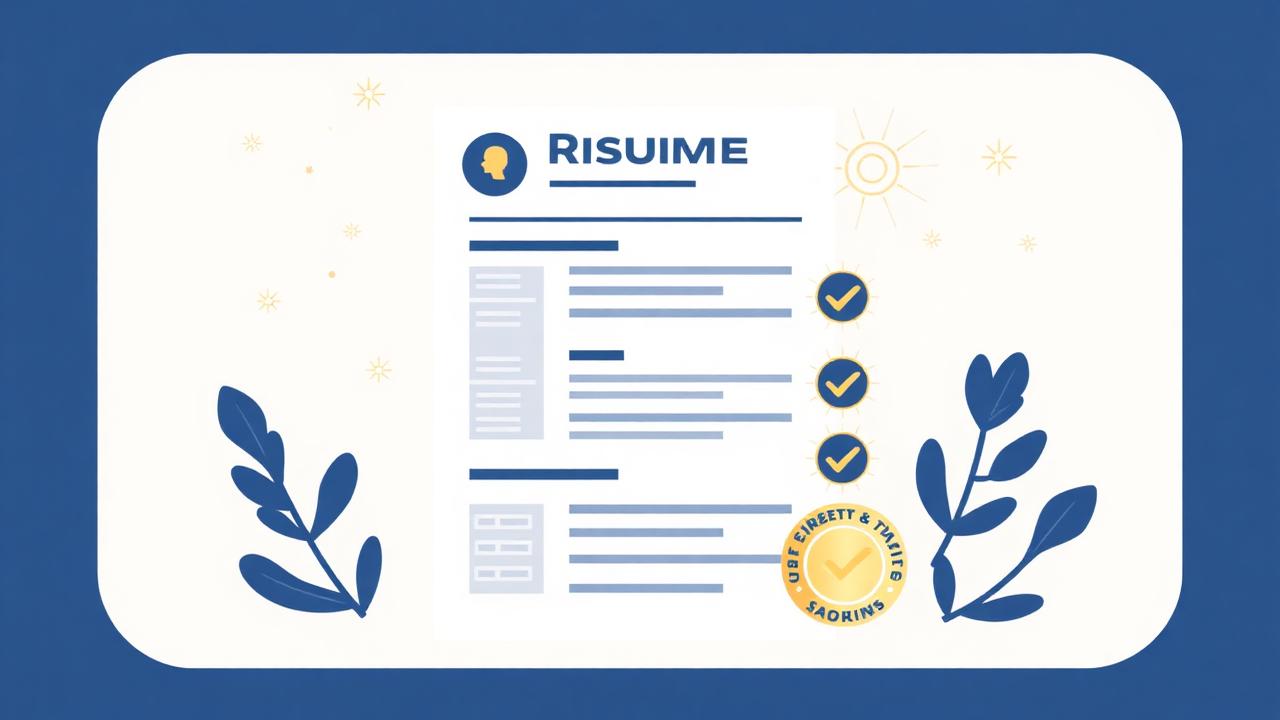
Your resume gets approximately 7 seconds of attention before a recruiter decides to read further or move on. In India's competitive job market — where hundreds of applications arrive for every opening at top companies — those 7 seconds determine everything.
This guide shows you how to build a professional, ATS-optimized resume using AI — completely free — and download it as a PDF.
Why Most Indian Resumes Get Rejected
Before getting into the tool, it helps to understand why resumes fail. Recruiters and hiring managers in India — and at Indian companies hiring internationally — consistently cite the same problems:
- Objective statements instead of professional summaries: "Seeking a challenging position where I can utilize my skills" tells the recruiter nothing about what you bring. A professional summary focuses on what you offer.
- Duties instead of achievements: "Responsible for managing social media accounts" is weak. "Grew Instagram following from 2,000 to 18,000 in 6 months through targeted content strategy" is strong.
- No quantification: Numbers make achievements credible. "Improved sales" means nothing. "Increased quarterly sales by 34%" is memorable.
- Poor formatting: Inconsistent fonts, excessive colors, tables and columns that break ATS parsing, photos and graphics that confuse automated screening systems.
- Generic content: Resumes that are not tailored to the specific role and company perform poorly compared to those that mirror the job description's language.
What is ATS and Why It Matters
ATS stands for Applicant Tracking System. Most companies with more than 50 employees use ATS software to automatically screen resumes before a human ever sees them.
ATS systems scan for specific keywords from the job description. Resumes that do not contain these keywords are automatically filtered out — regardless of how qualified the candidate is.
This is why tailoring your resume to each job description is not just good advice — it is a technical requirement for getting past the first filter.
How FlikTools AI Resume Builder Works
FlikTools Resume Builder at fliktools.net/tools/resume-builder is a free five-step resume builder that uses AI to generate, optimize, and format your resume.
Step 1 — Personal Information
Enter your name, professional title, email, phone, location, LinkedIn, portfolio, and GitHub (for tech roles).
You can also generate your professional summary using AI. Enter your role and experience, click Generate Summary, and the AI writes a 3-4 line summary optimized for your field — no first person pronouns, achievement-focused, ATS-friendly.
Step 2 — Work Experience
Add up to six experience entries. For each role, enter the company, title, location, and dates.
The key feature here is AI Enhance Bullet Points. Instead of agonizing over how to describe your responsibilities, type a rough description of what you did and click Enhance. For example, typing "managed the company's social media, grew followers, made content calendar" returns:
- Developed and executed monthly content calendar across Instagram, LinkedIn, and Twitter, maintaining consistent brand voice
- Grew combined social media following by 340% in 8 months through data-driven content strategy
- Collaborated with design team to produce 40+ pieces of original content per month
Each bullet now starts with a strong action verb and includes quantified impact where possible.
Step 3 — Education
Add your degree, institution, location, years, and grade. Add certifications separately — AWS, Google, HubSpot, Coursera — as chip-style tags.
Step 4 — Skills and Extras
Add skills as tags. The tool automatically categorizes them: technical skills in blue (React, Python, SQL), soft skills in green (Leadership, Communication), tools in orange (Figma, Git, AWS).
Add languages with proficiency levels. Add projects, awards, and volunteer work in optional expandable sections.
Step 5 — Generate
Choose a resume style:
- Professional — Classic layout, best for traditional industries
- Modern — Clean design with sidebar
- Minimal — Ultra clean, lots of white space
- Executive — Formal, for senior roles
- Fresher — Education-forward layout for new graduates
Optionally paste the job description you are applying for. The AI will naturally incorporate matching keywords throughout your resume to improve ATS compatibility.
Click Generate My Resume and the AI builds your complete resume in about 15 seconds.
ATS Score
After generation, FlikTools shows an ATS Compatibility Score out of 100 with a checklist:
- Professional summary included
- Work experience included
- Strong action verbs used
- Skills section complete
- Contact information complete
- Achievements quantified
- Job description keyword match
This score tells you exactly what to fix before applying.
Download as PDF
Click Download PDF to get a professionally formatted PDF resume using the pdf-lib library — processed entirely in your browser.
The PDF includes:
- Your name in large bold text at top
- Professional title centered below
- Contact information in a single line
- All sections with proper typography
- Helvetica font for ATS compatibility
- Clean dividers between sections
- Multi-page support for longer resumes
Filename: YourName_Resume.pdf
Tips for the Best Results
- Be specific in the AI Enhance prompts: The more detail you give about what you actually did, the better the bullet points will be. "Managed accounts" gives the AI less to work with than "managed 15 enterprise accounts worth ₹2 crore in annual revenue."
- Always paste the job description: The keyword optimization feature is the most powerful part of the tool. Recruiters and ATS systems respond strongly to resumes that mirror the job posting language.
- Review everything before downloading: AI occasionally makes assumptions. Read every bullet point and ensure it accurately represents your actual experience.
- Tailor for every application: FlikTools saves your session so you can quickly regenerate with different job descriptions without re-entering your information.
- Fresher-specific advice: For new graduates with limited experience, choose the Fresher style and emphasize projects, internships, certifications, and academic achievements. The AI adjusts the summary and structure accordingly.
Frequently Asked Questions
Is FlikTools Resume Builder completely free?
Yes. No signup, no payment, no watermark on the downloaded PDF. The full tool is free for everyone.
Will my resume data be saved?
Your resume data is saved in your browser's session storage while you work. It is not saved to any server and clears when you close the browser tab.
Can I create resumes for different jobs?
Yes. After generating your first resume, go back to Step 5 and paste a different job description. Regenerate to get a version optimized for that specific role.
Does it work for experienced professionals?
Yes. The tool works for all career levels from freshers to senior executives. Choose the appropriate style and the AI adjusts its language and emphasis accordingly.
What if I do not have much work experience?
Choose the Fresher style and focus on education, projects, internships, and skills. Use the AI Summary generator to write a compelling profile statement that focuses on your potential and capabilities.
Can I edit the generated resume before downloading?
Yes. After generation, review the HTML preview. Click Edit Details to go back to any step and adjust your information, then regenerate.
Land Your Next Role Faster
Stop sending the same generic resume to every job. Head to fliktools.net/tools/resume-builder, build a tailored, ATS-optimized resume in 10 minutes, and download it as a PDF — free, forever.
Ready to try it?
AI Resume Builder is free to use — no signup, no limits.
Try AI Resume Builder NowYou might also like
How to Compress PDF Without Losing Quality (Free & Online)
Large PDF files are frustrating. They bounce back from email inboxes, take forever to upload, and eat up storage space. The good news? You can compress any PDF in seconds — completely free, without installing any software.
Freelancing10 Free Online Tools Every Indian Freelancer Needs in 2025
India now has over 15 million freelancers — the second-largest freelance workforce in the world. Here are 10 genuinely useful free online tools that every Indian freelancer should have bookmarked.